
Find the Best Alienware Laptop for Your Setup
Some people want the biggest screen they can carry. Others need a notebook that fits in a backpack but still runs modern AAA games at high settings. The current Alienware lineup covers both, delivering a smooth gaming experience across different screen sizes and hardware configurations.
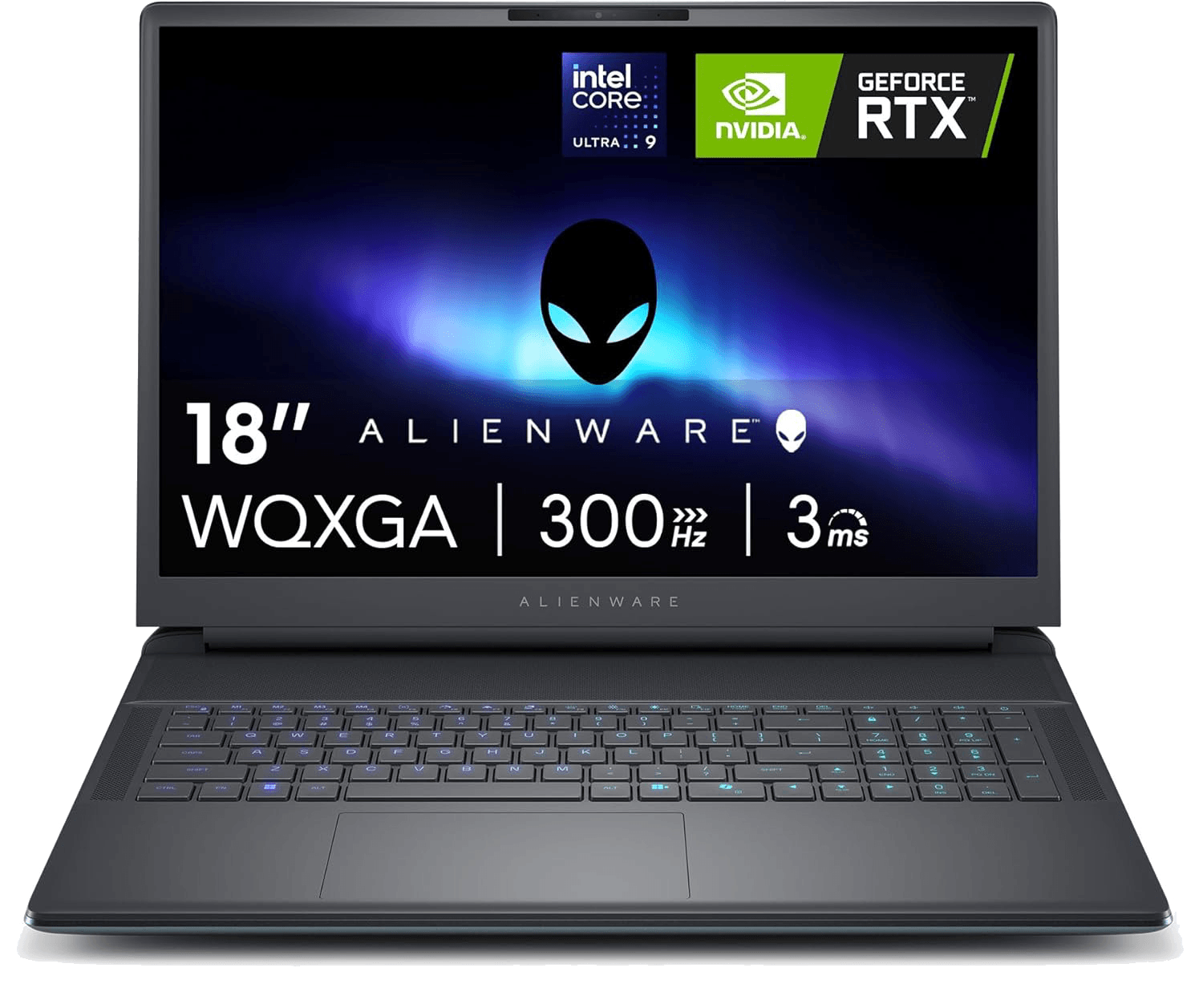
Alienware 18 Gaming Laptop
If your priority is elite gaming performance, this is the model to look at first. Alienware 18 pairs Intel Core Ultra processors with NVIDIA GeForce RTX 5090 graphics and a large 18-inch QHD display. The bigger chassis also allows Dell to install a more capable cooling system than smaller notebooks, helping the CPU and GPU maintain higher gaming performance during long gaming sessions.
- Intel Core Ultra 9
- NVIDIA GeForce RTX 5090
- 18-inch QHD+ display
- Up to 64GB DDR5
- Up to 4TB PCIe Gen5 SSD
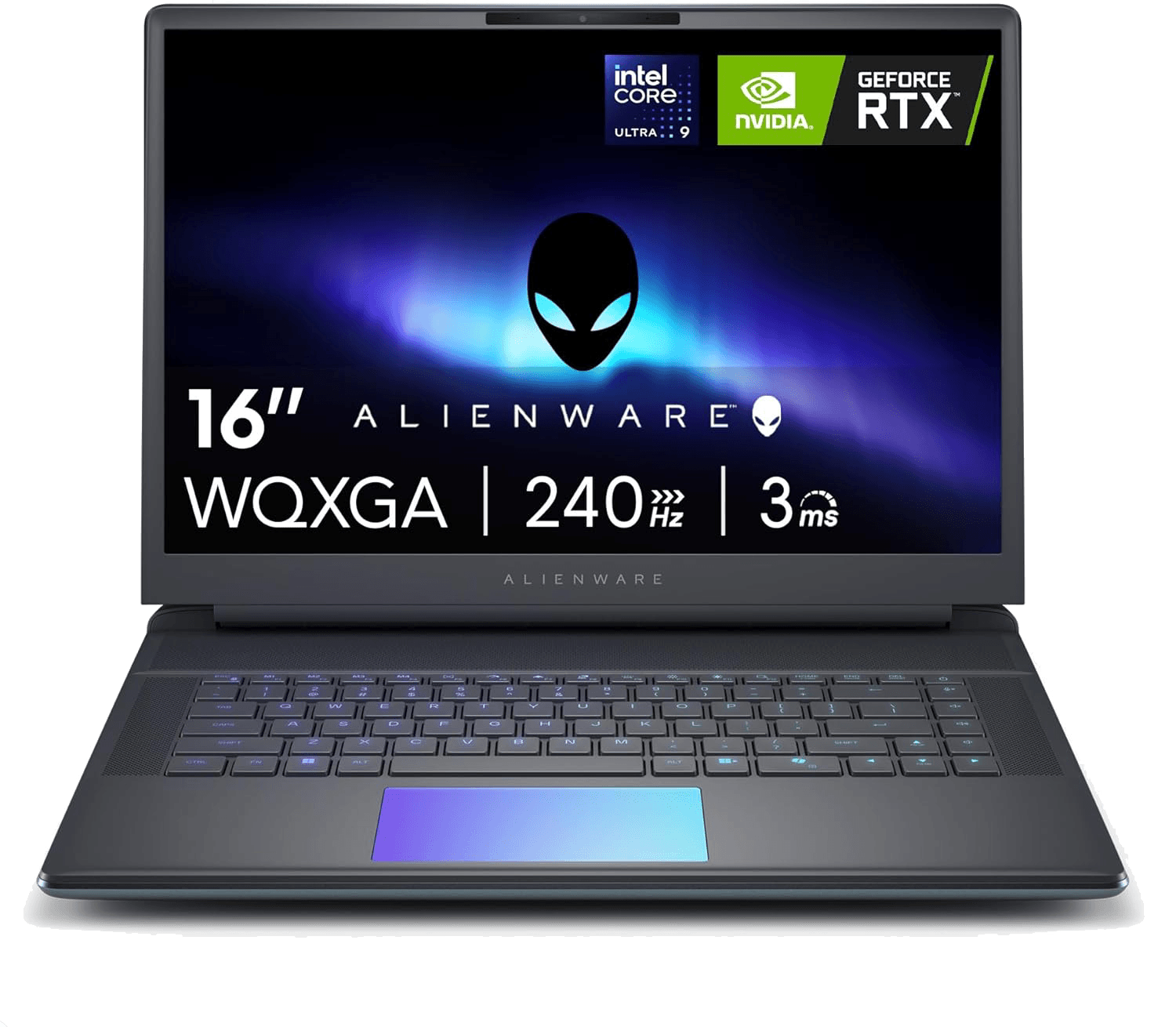
Alienware 16 Gaming Laptop
Alienware 16 keeps most of the performance while reducing the size and weight enough to carry every day. You can choose Intel Core Ultra processors and RTX 5070 or RTX 5080 graphics, making it a good fit for gaming, university, software development, or creative work. The 16-inch QHD panel also gives you more usable workspace than a standard Full HD display without making the system bulky.
- Intel Core Ultra 7
- RTX 5070 or RTX 5080
- 16-inch QHD display
- DDR5 memory
- PCIe SSD
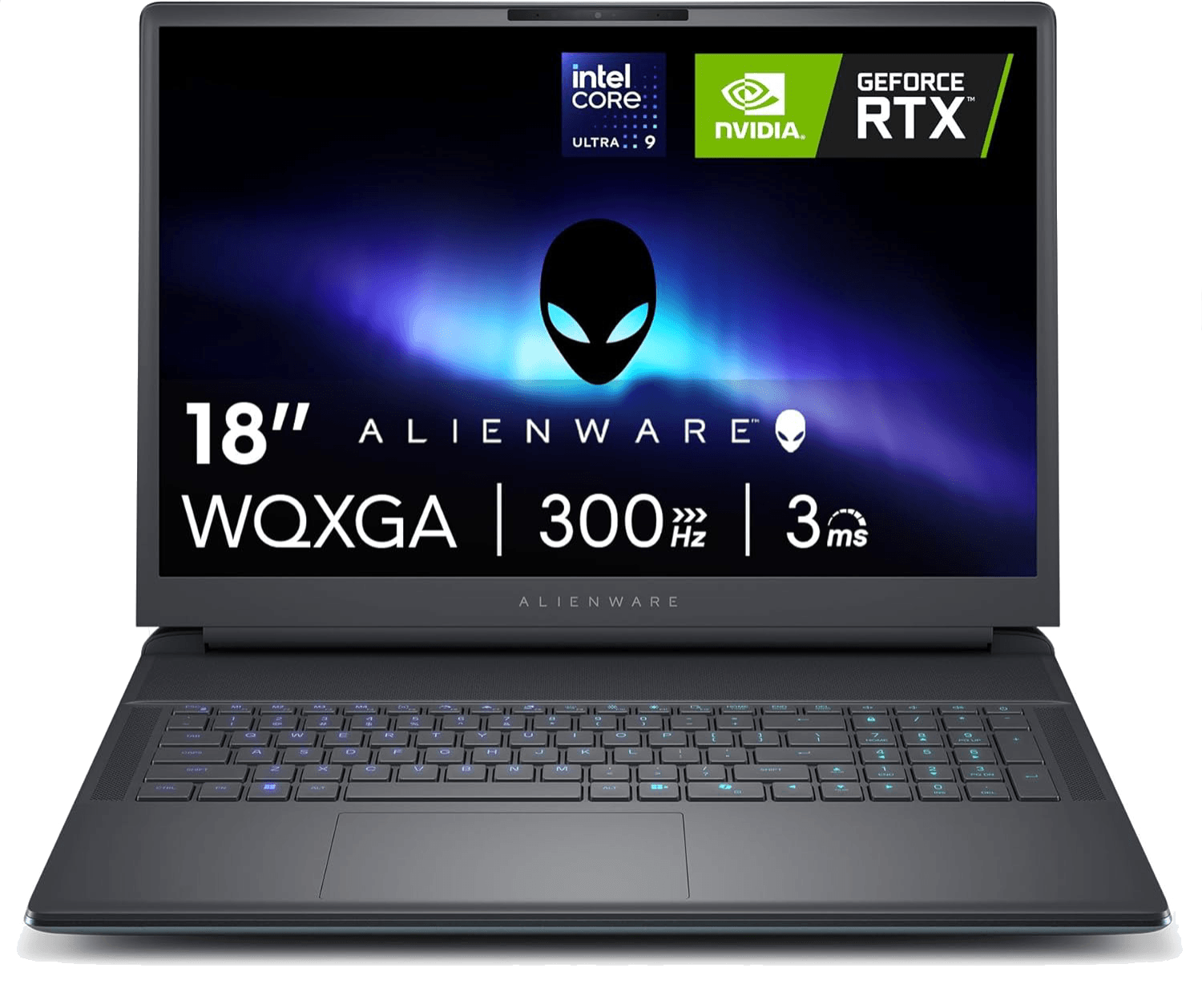
Alienware Area-51 Gaming Laptop
Area-51 is Alienware's flagship lineup, designed for users who want desktop-class gaming performance in a portable system. The newest generation combines Intel Core Ultra processors with RTX 5090 graphics, optional OLED and QHD displays. It's aimed at buyers who don't want to compromise on graphics settings, rendering speed, or multitasking performance.
- Intel Core Ultra 9-275HX
- NVIDIA GeForce RTX 5070
- 18-inch QHD+ Display
- 32GB DDR5 RAM
- 1TB SSD

Alienware M18 R2 Gaming Laptop
Featuring an 18-inch QHD+ display with 165Hz refresh rate and Dolby Vision, this powerhouse delivers ultra-smooth gameplay and immersive visuals. The Alienware Cryo-tech cooling and Legend 3.0 design ensure peak thermal efficiency, while up to 64GB DDR5 RAM and 4TB SSD options provide elite multitasking and storage.
- Intel Core i9-14900HX processor
- NVIDIA GeForce RTX 4090, 16GB GDDR6
- 18″ QHD+ (2560×1600) 165Hz display
- Up to 64GB DDR5 RAM, 4TB SSD
- Advanced Cryo-tech cooling
- AlienFX customizable RGB lighting

Alienware m15 R7 Gaming Laptop
The Alienware 15 is engineered for fluid gameplay and responsive performance. Powered by the AMD Ryzen 9 6900HX and NVIDIA GeForce RTX 3070Ti graphics cards, it delivers intense power in a compact 15.6″ FHD 240Hz display. Featuring Dolby Audio, CherryMX mechanical keyboard options, and Cryo-tech thermal controls
- AMD Ryzen 9 6900HX CPU
- NVIDIA GeForce RTX 3070 Ti GPU
- 15.6″ FHD 1920×1080 240Hz display
- 32GB DDR5 RAM, 1TB SSD
- G-SYNC & Advanced Optimus
- AlienFX lighting + precision keyboard

Alienware x14 R2 Gaming Laptop
Perfect for travel and compact setups, it boasts an Intel Core i7-13620H processor and NVIDIA GeForce RTX 4060 GPU. With a 14″ FHD+ display (165Hz) and ComfortView Plus, you get crisp, vibrant visuals while reducing eye strain
- Intel Core i7-13620H CPU
- NVIDIA GeForce RTX 4060 GPU
- 14″ FHD+ (1920×1200) 165Hz display
- 32GB LPDDR5 RAM, 1TB SSD
- Dolby Atmos speakers & ComfortView
- Sleek magnesium-alloy design
Features

Built for Power
Perfect for serious gaming and multitasking during intense gaming sessions.

Iconic Design
Alienware laptops offer futuristic aesthetics in every line of gaming models.

Elite Performance
From Alienware Aurora 16 to Alienware 15 R4, experience unmatched speed.

Proven Reliability
Trusted gaming computers built to last through years of demanding gameplay.

Compare Alienware Laptop Prices
Configurations change throughout the year, and so do prices.
Before buying an Alienware laptop, compare the latest models, available hardware, and current laptop deals. A small price difference can often move you from an RTX 5070 to an RTX 5080 or double your SSD capacity, making it worth checking laptop deals before placing an order.
Why Gamers Still Choose Alienware
Cooling determines how long the processor can maintain boost clocks. The display affects every hour you spend gaming. Build quality, keyboard comfort, and thermal design become even more important after months of daily use.
Cryo-tech cooling keeps temperatures under control during long sessions. AlienFX lets you customize lighting by zone. Alienware Command Center gives quick access to performance profiles, fan settings, and lighting without installing third-party software, helping you get consistent gaming performance every time you play.
Frequently asked questions
Is 100°C+ CPU temperature normal on an Alienware laptop?
Under heavy load, short peaks are within spec: Intel rates the Core Ultra 9 275HX in the Area-51 and 16X Aurora for up to 105°C, and published tests have measured 99°C and above in demanding games. What isn't normal is 95–105°C at idle or on the desktop; that points to a cooling fault, so contact Dell while the laptop is under warranty. To run cooler, switch Command Center from Overdrive to Balanced: Overdrive raises power and fan speed, not cooling headroom.
Which Alienware laptop should I buy: Aurora 16, 16X Aurora, Area-51 16 or 18?
The Aurora 16 is the entry model: an H-series Core 7 240H, an RTX 5050 or 5060 capped at 80W and a 120Hz panel, at 5.5–5.7 lb. The 16X Aurora steps up to HX processors, an RTX 5070 at 125W and a 240Hz screen at the same weight, and it's the one most buyers should look at first.
The Area-51 16 (check price) weighs 7.49 lb and goes up to an RTX 5090. The Area-51 18 (check price) adds a 300Hz screen but weighs up to 9.56 lb, plus 2.2 lb for the 360W adapter.
Is Alienware worth it compared with Lenovo Legion or Asus ROG?
It depends on the tier. The entry Aurora 16 runs its RTX 5060 at 80W, and in Tom's Hardware's tests it trailed Lenovo's Legion Pro 5i at both 1080p and 1600p. The 16X Aurora, with its RTX 5070 at 125W, won HotHardware's Editor's Choice at $1,549. On the Area-51 models you pay for the chassis, the cooling and the screen; rivals with the same GPU usually cost less.
Is 8GB of VRAM enough on the RTX 5060 or 5070?
For 1080p, mostly yes. At the 2560×1600 resolution of the 16X and Area-51 screens, the newest games already need lower texture settings on 8GB. The RTX 5070 Ti Laptop has 12GB and the RTX 5080 Laptop 16GB. If you plan to keep the laptop four years, 12GB is the safer floor.
How loud are the fans?
It depends on the mode. Notebookcheck measured the 16X Aurora at 48.5 dB(A) in Balanced, 51.8 in Performance and 58 in Overdrive under load; at 58 dB you will want headphones. At idle and in light use the fans are close to silent. Balanced mode costs only a few frames in most games.
How long does the battery last?
A working day on the Aurora 16, a few hours on the Area-51. All current models have a 96Wh battery. Tom's Hardware measured 9 hours 41 minutes of web browsing on the Aurora 16 but 4 hours 10 minutes on the 2025 Area-51 16 and 3 hours 33 minutes on the 2026 OLED version. Gaming on battery lasts under two hours (Laptop Mag measured 1 hour 50 minutes on the Area-51 16), and the GPU runs at reduced power when unplugged.
Can I upgrade the RAM and SSD?
On current models, yes. The Area-51 16, Area-51 18, Aurora 16 and 16X Aurora all use two SO-DIMM memory slots. The Area-51 16 has three M.2 slots; the Aurora 16 ships with one drive and a second, empty 2280 slot. Dell publishes a memory upgrade guide for the Area-51 models.
The x14 R2 is the exception: its memory is soldered. 32GB is plenty for games; 64GB is worth it for AI work or heavy video editing.
My Alienware laptop keeps crashing. What should I check first?
Update the BIOS. Several of Dell's documented fixes for current models arrive there: SSDs dropping out on the Aurora 16 and 16X (fixed in BIOS 1.6.3 or 1.7.0, depending on the model), a black screen with the power light flashing 1 red and 6 blue on the Area-51 (BIOS 1.0.1), and BIOS updates failing at the Thunderbolt step (install 2.5.0 or newer).
Then run Dell's diagnostics: tap F12 at startup and choose Diagnostics. Note any error code for Dell support.
Should I repaste it? Does that void the warranty?
Not while it's under warranty. The Area-51 laptops use Element 31, Alienware's gallium-based liquid metal, sealed behind a barrier around the processor. Dell's terms exclude damage from servicing it hasn't authorised, so a repaste that goes wrong is on you. If temperatures look abnormal, especially at idle, ask Dell to inspect the cooling under warranty first.
What warranty comes with an Alienware laptop, and does it apply if I buy on Amazon?
On Dell.com, the standard cover on current models is a year of mail-in hardware service; onsite repair is the paid Alienware Care upgrade. Bought from Amazon itself, you only need to register the laptop with Dell.
Bought from a third-party seller (even if shipped by Amazon) or used, you need Dell's ownership transfer, which takes 7 to 10 business days in the US and doesn't restart the warranty. Look up the service tag on Dell's site on the day it arrives.